


The correct PoweredUSB printer cable depends on the connections fitted to the printer. Check the rear interface panel and power requirement before ordering by brand or printer family. Some models use a combined connector; others need separate data and power branches.
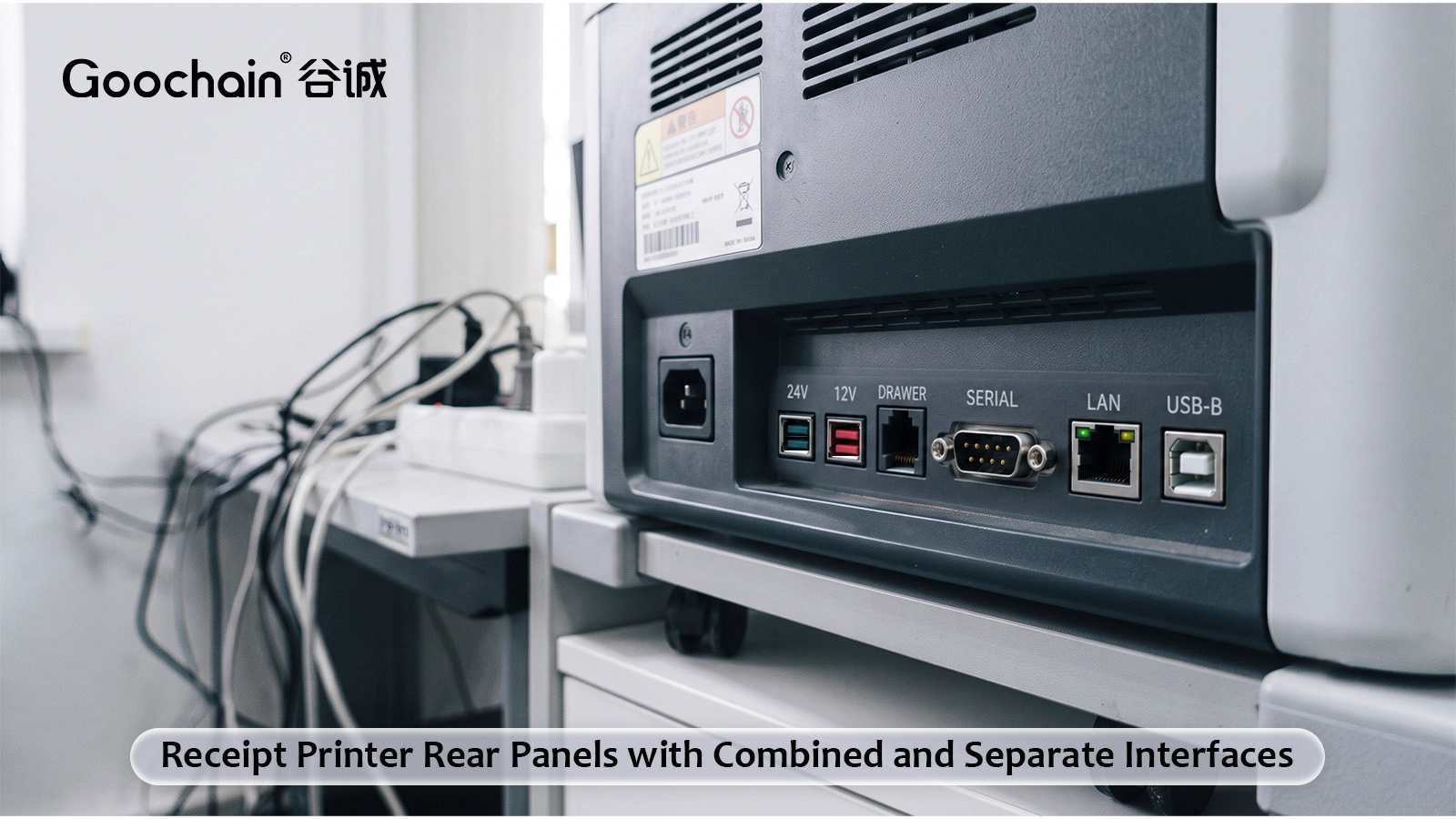
A printer model can be offered with different communication interfaces. Check the actual interface board and connector labels, not only the name on the front of the printer. A serial interface and a USB interface need different electrical connections even when a supplier groups them under the same printer series.
Photograph the rear panel with the existing cable removed. Record the printer model, interface-board reference if available, and power-input information. Include the host PoweredUSB voltage and port details.
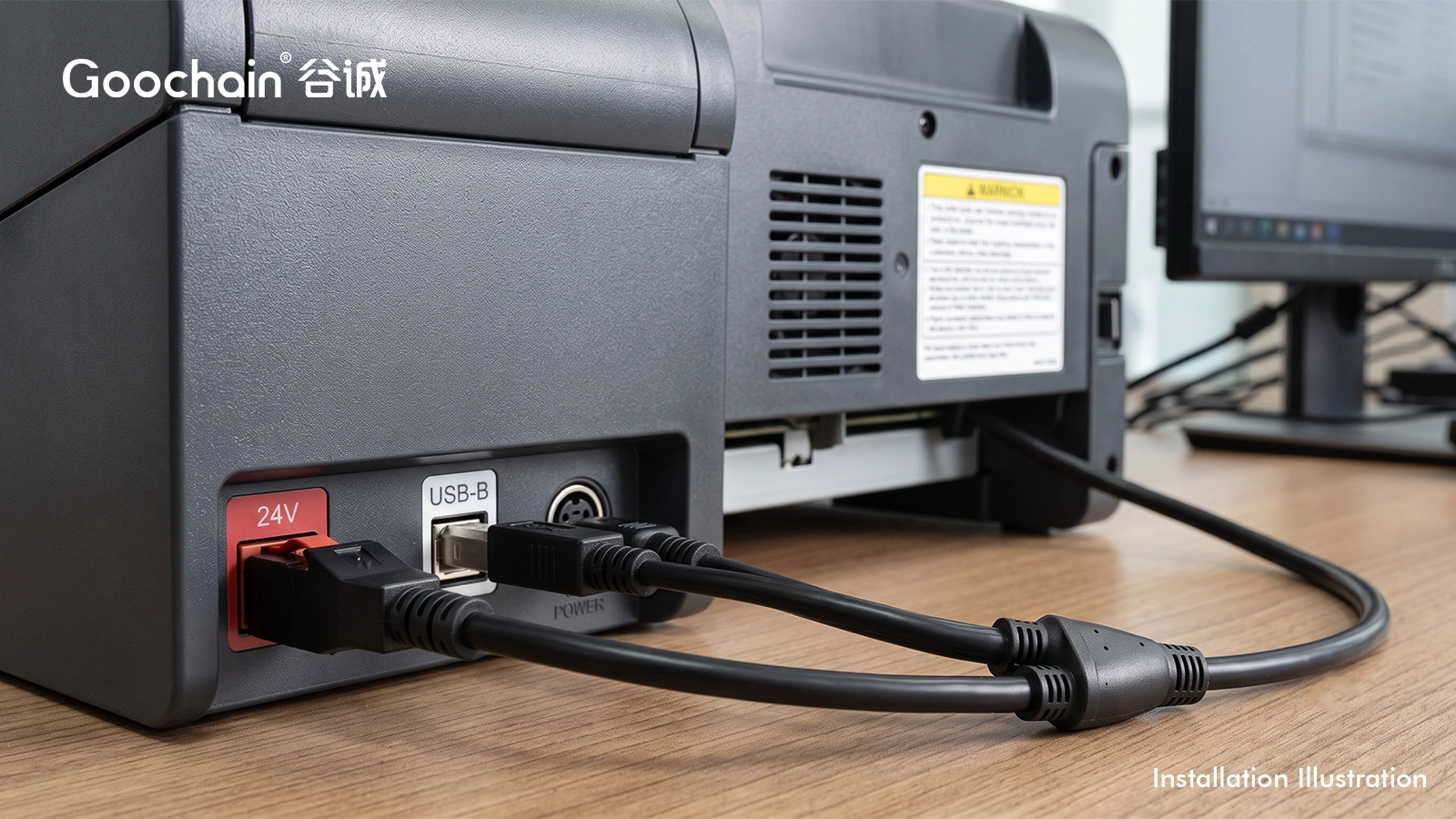
A printer with a matching combined device interface may use a PoweredUSB cable for POS terminals / Epson / IBM printers. A printer with separate USB-B and three-pin power sockets may need a 24 V PoweredUSB to 3-pin Hosiden + USB-B cable. Other devices use a DC barrel socket or a specified two-contact terminal.
The number of pins on a power plug is not enough to identify it. Check the connector series, keying, polarity and mating dimensions. Avoid a compatibility statement covering an entire printer brand unless every listed model and interface has been verified.
| Printer connection | Cable direction |
|---|---|
| Combined 1×8 interface | Matched PoweredUSB to 1×8 assembly |
| USB-B plus 3-pin power | Y assembly with the exact power connector |
| USB-B plus DC barrel | Y assembly with defined barrel dimensions and polarity |
| Dedicated power input only | Power-only assembly plus the required separate communication route |
On a Y cable, the data and power sockets may sit at different heights or on opposite sides of the rear panel. Define the branch lengths from the split junction, leaving enough room for insertion and removal. The split should not hang in a position that pulls the connectors sideways.
Include the total route from terminal to printer. If an extension is already installed, its resistance and additional connector joints are part of the power and USB path.
Printing can impose load changes that are not represented by an idle check. Agree a test using the relevant operating modes and acceptable supply voltage at the printer. USB communication should be checked with the intended host and interface. Continuity alone cannot demonstrate system operation.
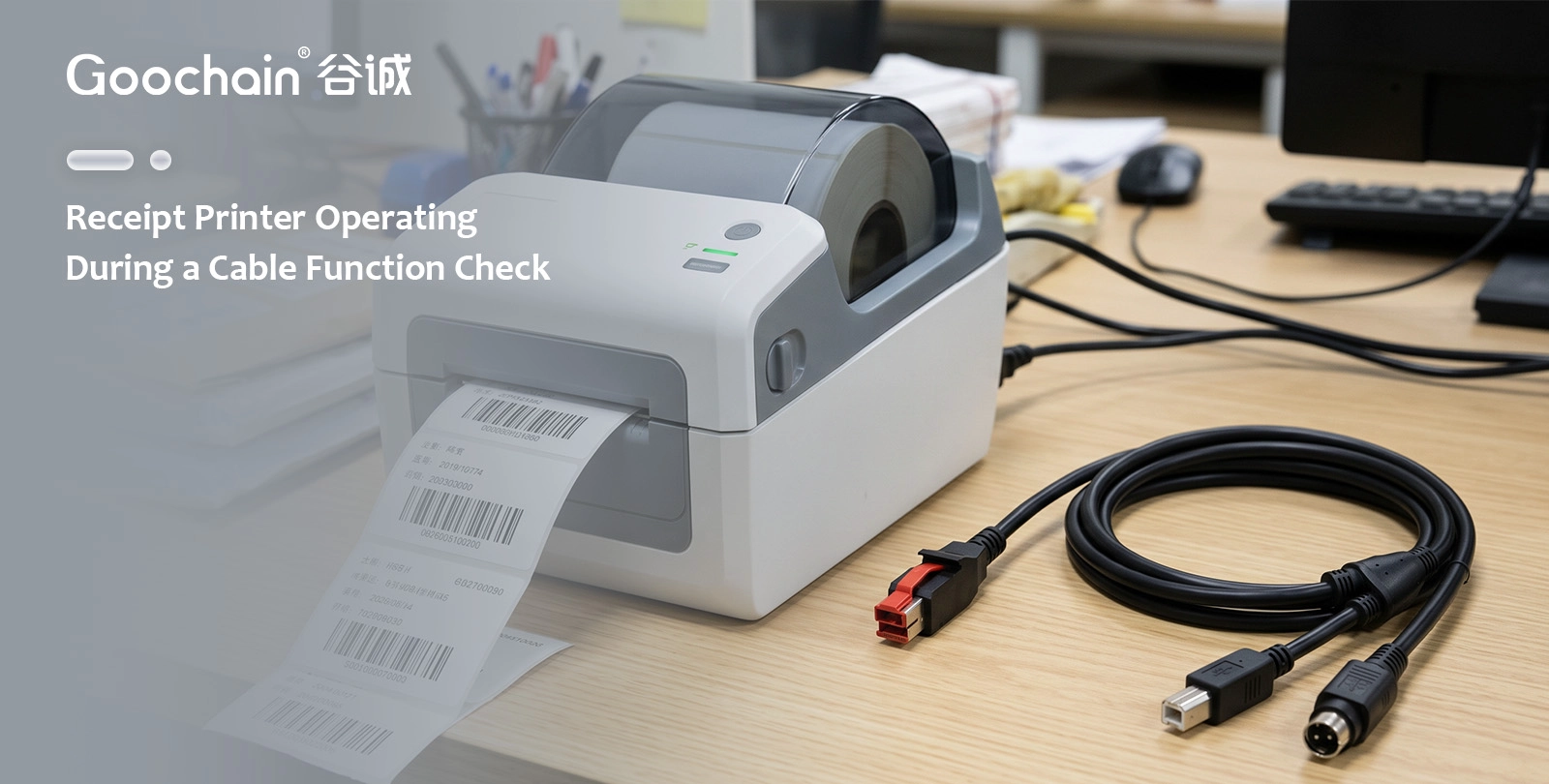
Goochain manufactures powered USB cables for OEM printer projects in a 5,000 m² Dongguan factory. Send the rear-panel photos, electrical requirements and installation dimensions for a cable review. Sample and inspection requirements can then be recorded against a controlled drawing.
Only after checking each fitted interface and electrical specification.
No. Check the separate power input and device specification.


 English
 简体中文
简体中文  Deutsche
  Italian
  français
  Español
  Nederlands
  日本語
日本語  한국어
한국어  عربى
عربى  português
  Türk
Türk 

