

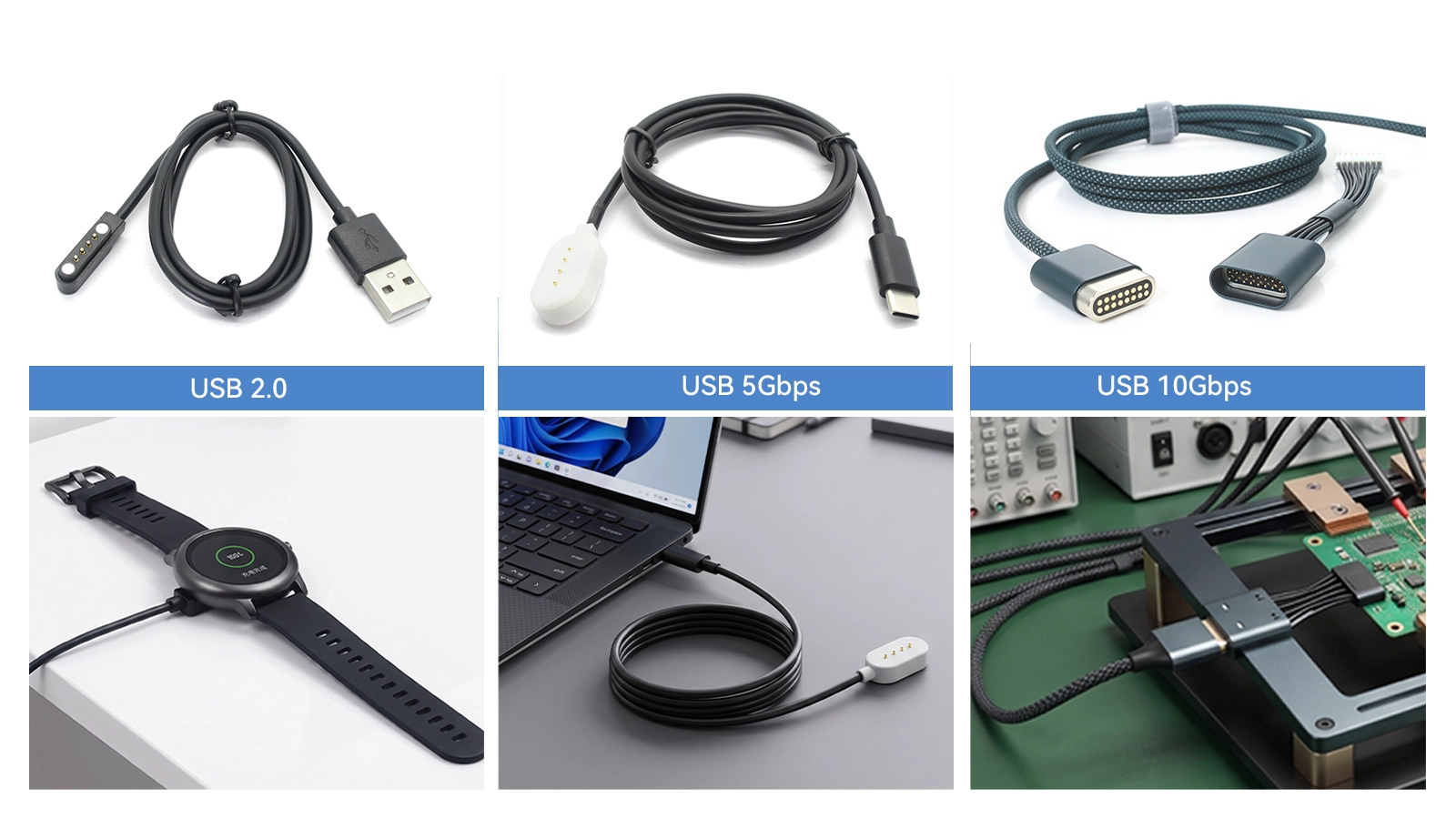
When developing a Pogo Pin docking or cable system, the highest available USB speed is not automatically the best choice. The correct level depends on the data volume, user workflow, device hardware, available space, cost target and validation requirements.
USB 2.0, USB 5Gbps and USB 10Gbps can all be implemented through a custom spring-loaded interface, but they require different channel structures and engineering effort.
|
Item |
USB 2.0 |
USB 5Gbps |
USB 10Gbps |
|
Maximum nominal data rate |
480Mbps |
5Gbps |
10Gbps |
|
Common legacy name |
USB 2.0 |
USB 3.0 / USB 3.1 Gen 1 |
USB 3.1 Gen 2 |
|
Current performance name |
USB 2.0 |
USB 5Gbps |
USB 10Gbps |
|
Typical data need |
Commands, configuration, logs, basic sync |
Larger files, images, regular device sync |
Large files, high-volume data, demanding docking |
|
Channel complexity |
Lower |
Higher |
Highest of the three |
|
Layout sensitivity |
Moderate |
High |
Very high |
|
Validation scope |
Functional and reliability tests |
High-speed channel and system tests |
More demanding end-to-end signal and system validation |
|
Suitable Pogo Pin use |
Charging plus basic data |
Professional docks and data stations |
High-performance docks and specialized equipment |
The nominal data rate is not the same as real file-transfer speed. Protocol overhead, storage performance, host and device capability, software and the complete interconnect all affect actual throughput.
USB 2.0 is sufficient for many products that transfer commands, configuration files, logs, low-volume measurements or firmware at moderate speed. It is also useful when the main purpose of the interface is charging and data is secondary.
Because the channel is less demanding than a SuperSpeed USB connection, USB 2.0 can often use a simpler contact arrangement and cable structure. It still requires correct D+/D− routing, grounding, contact stability and system testing.
Typical applications include basic wearable docks, control interfaces, service ports, charging accessories and low-data-rate instruments.
USB 5Gbps is appropriate when the device must move larger files, images, test data or software packages in a reasonable time but does not require the maximum performance of a 10Gbps design.
The SuperSpeed channel adds high-speed pairs and requires more attention to impedance, return paths, shielding, crosstalk and connector transitions. For some devices, USB 5Gbps provides a practical balance between performance, connector size and development complexity.
Typical applications include professional handheld terminals, diagnostic equipment, image-transfer tools, device fleet docks and industrial data stations.
USB 10Gbps is intended for products with demanding data-transfer requirements. Examples may include high-resolution image transfer, large diagnostic files, high-volume data collection, video assets, rapid device synchronization or high-performance service stations.
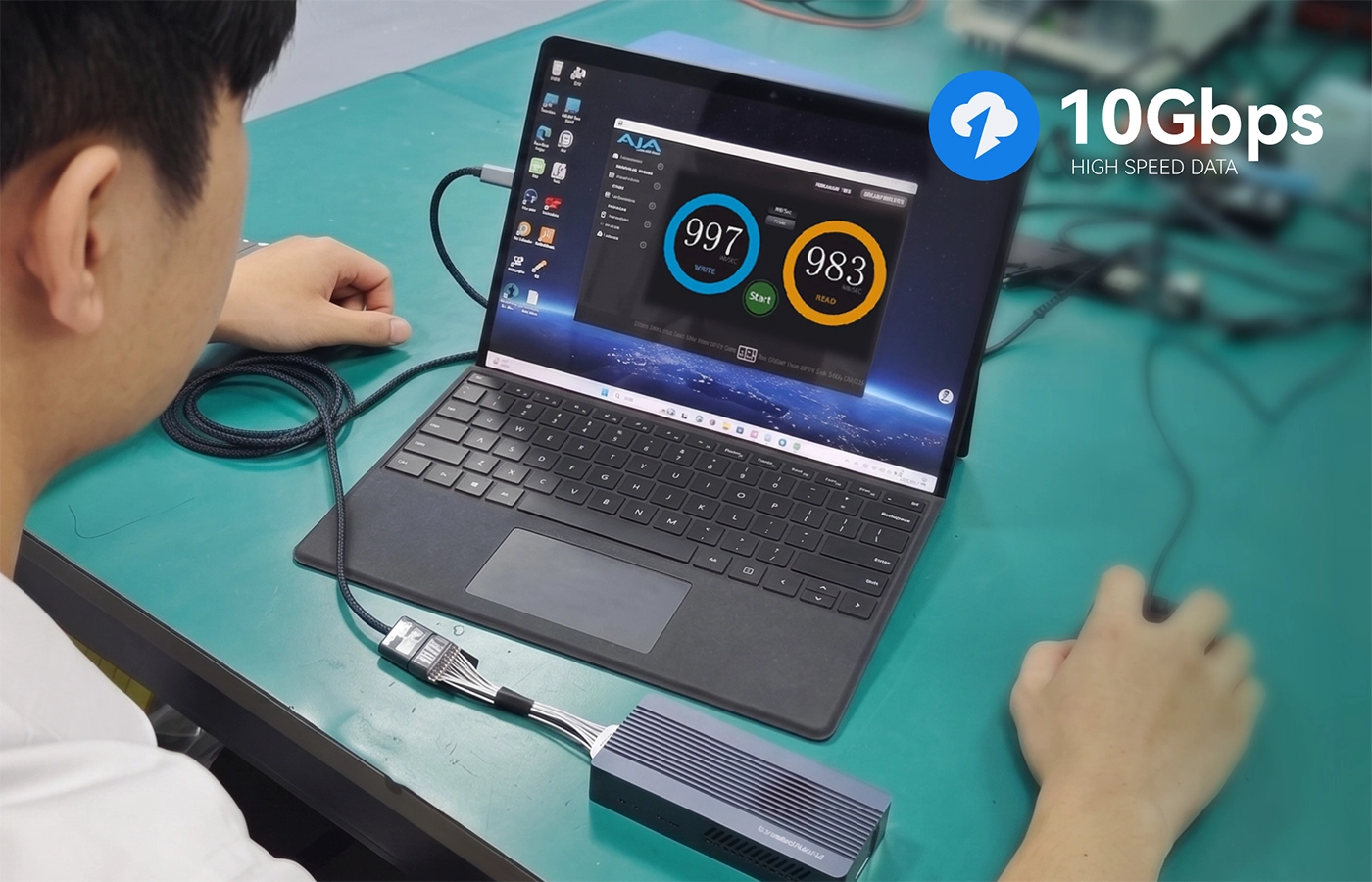
At this level, small discontinuities in the cable, FPC, Pogo Pin transition or device PCB can have a larger effect. A USB 10Gbps Pogo Pin cable should be designed and validated as an end-to-end channel. Review Goochain's USB 10Gbps Pogo Pin cable and our signal integrity design guide for more detail.
1. What Data Must Be Transferred?
Define file type, typical file size, daily transfer volume and acceptable transfer time. Avoid selecting 10Gbps only because it sounds more advanced.
2. Do the Host and Device Support the Target Speed?
The Pogo Pin cable cannot make a USB 2.0 device operate at 10Gbps. Confirm the controller, port, storage and software capabilities at both ends.
3. How Much Space Is Available?
Higher-speed implementations may require additional contacts, carefully placed grounds, a larger interface or a more controlled FPC/PCB transition. Mechanical space and industrial design must be reviewed early.
4. What Will Change After the Prototype?
Cable length, pin layout, FPC outline, enclosure, PCB and magnetic structure can affect performance. Define which elements are frozen and when revalidation is required.
5. What Evidence Does the Project Require?
Agree whether functional throughput testing is sufficient or whether the project also needs signal measurements, environmental checks, mating-cycle validation or formal reports.
A connector can support high charging power but only USB 2.0 data, or support USB 10Gbps data with a lower project-specific charging rating. Charging and data capabilities must be defined separately.
Do not use “fast charging” as evidence of high-speed data capability. Confirm voltage, current, protocol and thermal requirements independently from the USB data target.
Use USB 2.0 for basic communication, USB 5Gbps for regular high-volume device synchronization and USB 10Gbps when the workflow genuinely benefits from maximum performance. The right choice balances user needs, mechanical space, engineering complexity, validation and cost.
For help selecting the correct architecture, review Goochain's high-speed Pogo Pin connector solutions and share your system requirements with the engineering team.


 English
 简体中文
简体中文  Deutsche
  Italian
  français
  Español
  Nederlands
  日本語
日本語  한국어
한국어  عربى
عربى  português
  Türk
Türk 

