

A buyer asks for a “240W high-speed USB-C cable.” The factory still needs to ask what high-speed means, which devices will be connected and whether the same cable must also carry video. A 240W rating describes a power capability; 40Gbps and 80Gbps describe data-link capabilities. These numbers answer different questions, even when they appear together on one product listing.
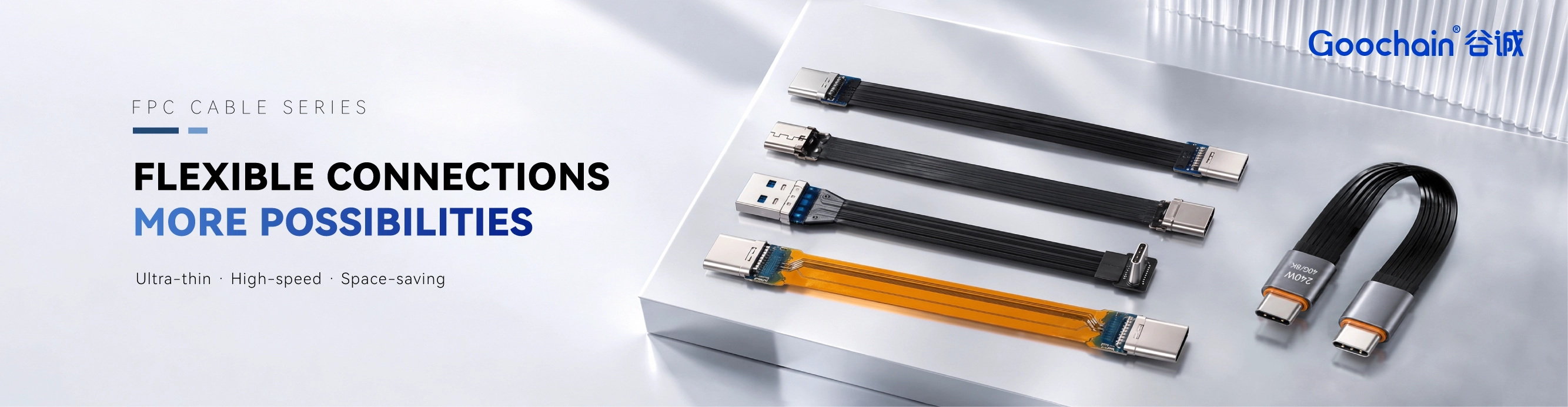
For a custom FPC cable, the distinction matters early. The connector combination, FPC route, finished length and full equipment path must be reviewed against the required functions. This guide explains how Goochain approaches those requirements with OEM customers and what to put in a specification before asking for a sample.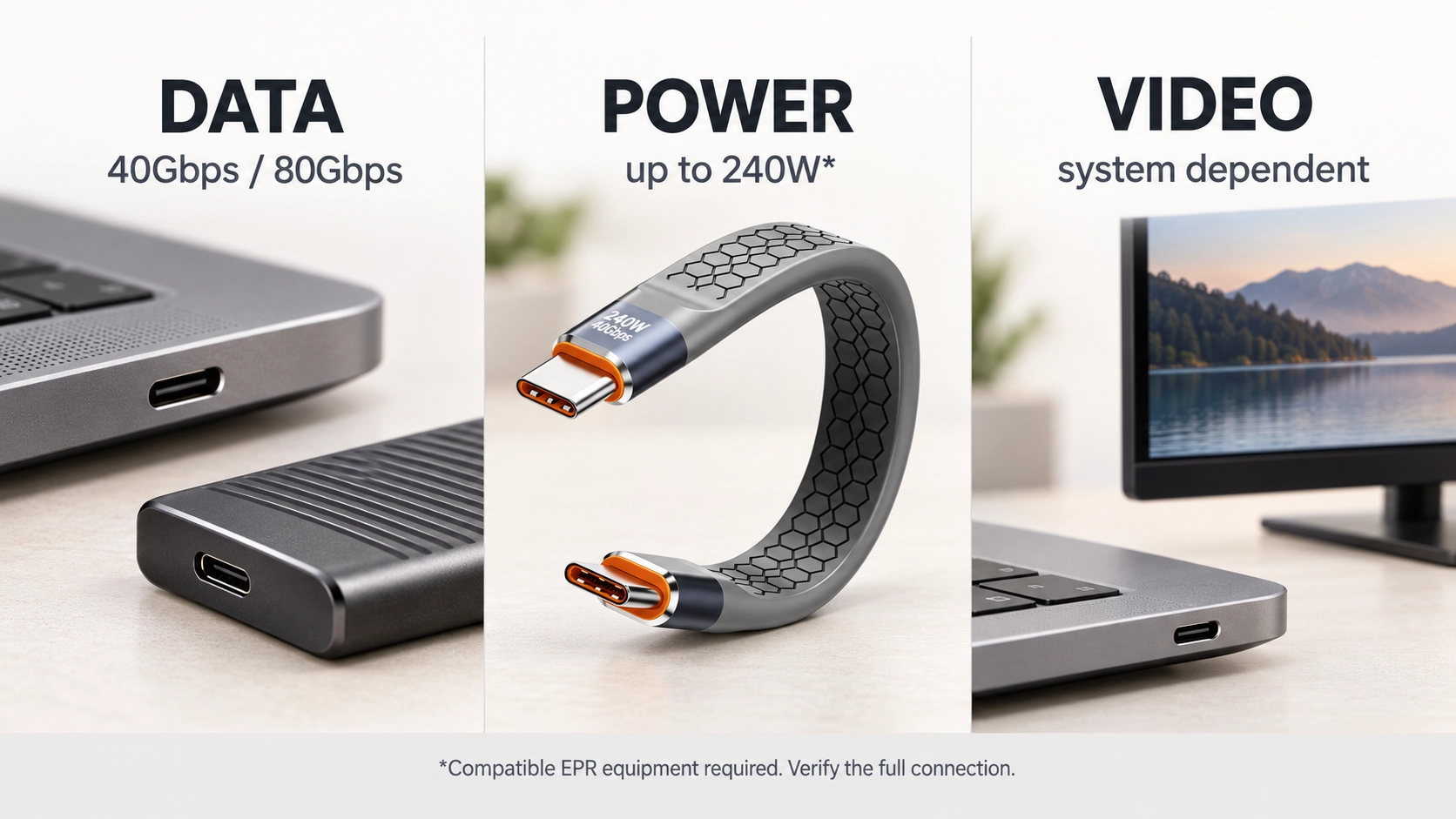
USB-C names the connector system. It does not by itself promise a particular transfer rate, charging level or display output. The table below is a useful way to turn a product-page label into a question that can be answered on a drawing or sample report.
| Label | What it describes | What to confirm |
|---|---|---|
| USB-C | The connector interface | Both end types, gender and required functions |
| 40Gbps | A data-link capability in a suitable configuration | Host, device, cable version and test setup |
| 80Gbps | A higher USB4 link capability with compatible equipment | Whether the complete connection supports the required mode |
| 240W | An upper USB PD EPR power capability | Source, receiving device, cable implementation and negotiation |
| Video | A display function supported by the connected system | Resolution, refresh rate, display path and simultaneous traffic |
USB4 can support up to 80Gbps operation over a suitable cable when the connected equipment supports that mode. A cable cannot give an older controller a faster link. File-copy results also depend on the drive, protocol overhead, software and what else is using the connection. A storage project should therefore name both the desired link mode and the workload that matters in use.
Goochain's 80Gbps USB-C male-to-male FPC cable is developed around a defined port arrangement and route. Its data target is evaluated with compatible equipment in the selected configuration. If the FPC length, plug orientation or enclosure path changes, the revised assembly needs its own review. Power and video are separate items to state in the same project brief.
USB Power Delivery's Extended Power Range can reach 240W at its upper 48V/5A level. That requires a suitable power source, receiving device and cable implementation. The connected equipment negotiates the power it can use; putting a 240W-capable cable between a lower-power charger and device does not make either of them operate at 240W.
One Goochain example is the 40Gbps 240W flat USB-C male-to-male cable, which lists both data and EPR power capabilities for its stated configuration. That is a specific product specification. An 80Gbps label on another cable does not establish the same power capability, and the 240W number does not establish an 80Gbps link.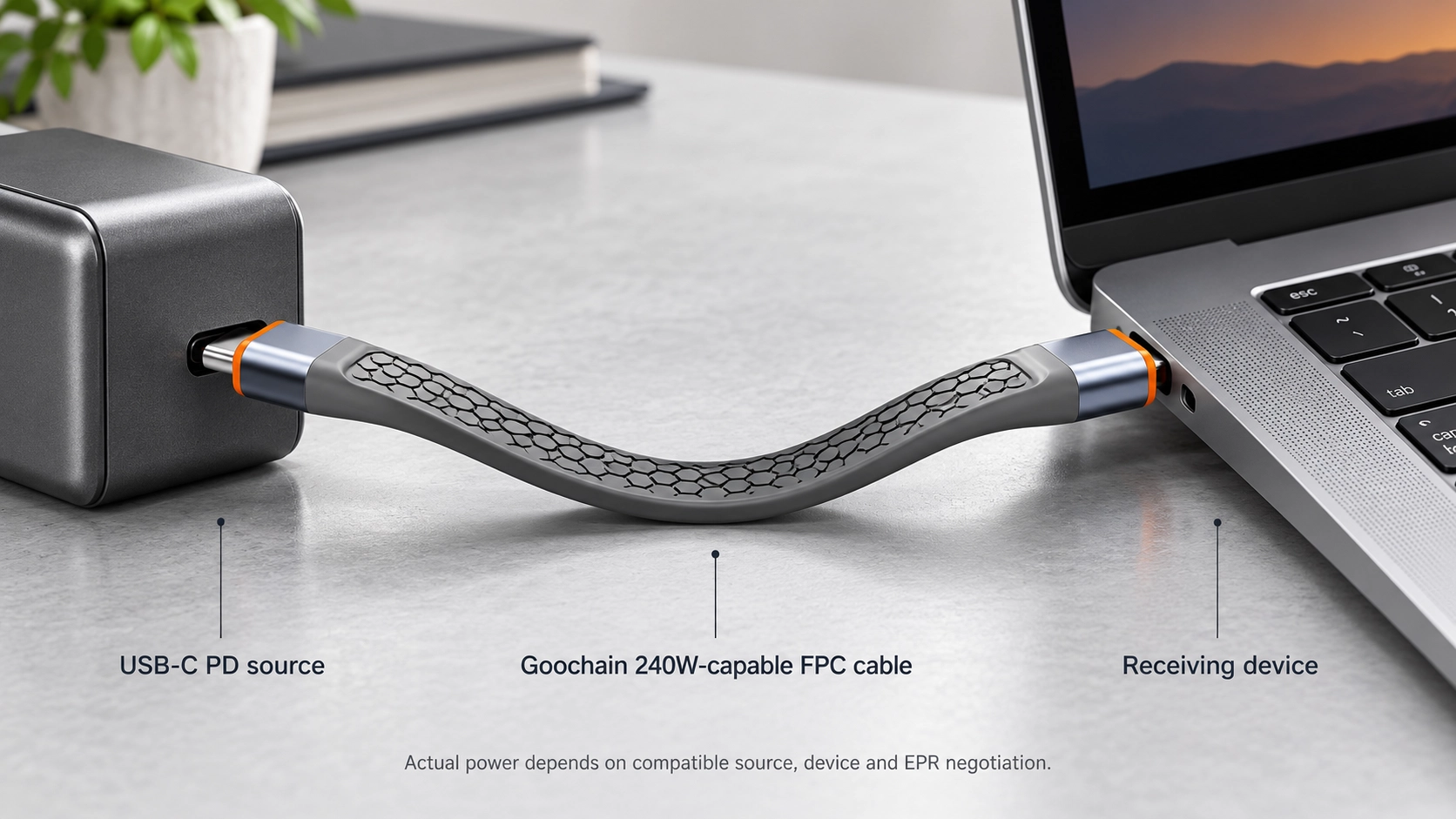
“Supports 8K” is too short for an OEM acceptance criterion. Specify resolution and refresh rate, then identify the host output, display input and any dock or adapter in between. Ask whether the display must continue to operate while charging and data transfer are active. These details determine what the full system must do and what the sample evaluation should reproduce.
A successful picture on one monitor confirms that particular setup; it does not define every display mode or every host. Record the equipment, cable revision and settings used for approval so purchasing can order the version that engineering actually checked.
A male-to-female extension introduces another connector interface and another length of cable. In a dock or compact instrument, its performance depends on the host, FPC extension, downstream cable and attached device together. This is different from evaluating a direct male-to-male cable on its own.
The 40Gbps right-angle USB-C FPC extension is a useful reference when a port has to be brought out of a tight enclosure. For a custom version, identify the downstream cable and device used in the final installation. The test plan should cover the complete path and the required simultaneous functions at the intended length.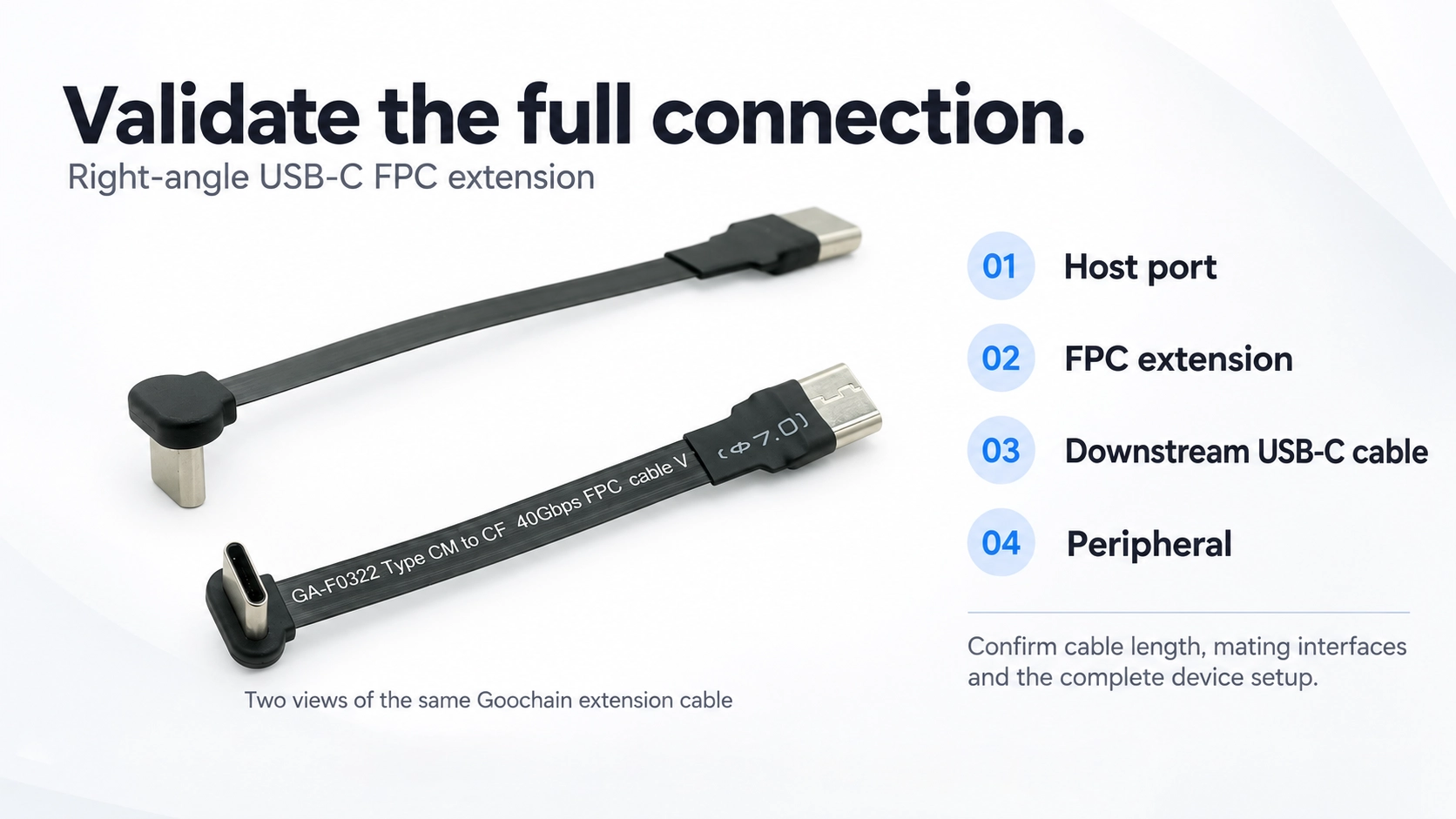
A request for “40Gbps, 240W, video” still leaves the factory guessing about the physical assembly. Goochain can review a more useful brief when it includes:
The approved sample should be identified by its complete design and evaluation conditions. A shorter or differently routed version can require another check, especially at higher data rates. If a project needs evidence of formal USB-IF certification, request the certificate or listing for the exact cable model; a factory test and product certification are different records.
Yes. The power rating and data capability are specified separately. Confirm both for the exact assembly.
No. The host, connected device and cable must all support the required connection. The operating mode follows the compatible system configuration.
No. Confirm the display capabilities of the host and receiving device, the cable design, and any dock or adapter between them. Specify the mode you need to test.
No. A project test documents a defined sample and setup. USB-IF certification is a separate compliance process and should be supported by evidence for the exact model.


 English
 简体中文
简体中文  Deutsche
  Italian
  français
  Español
  Nederlands
  日本語
日本語  한국어
한국어  عربى
عربى  português
  Türk
Türk 

