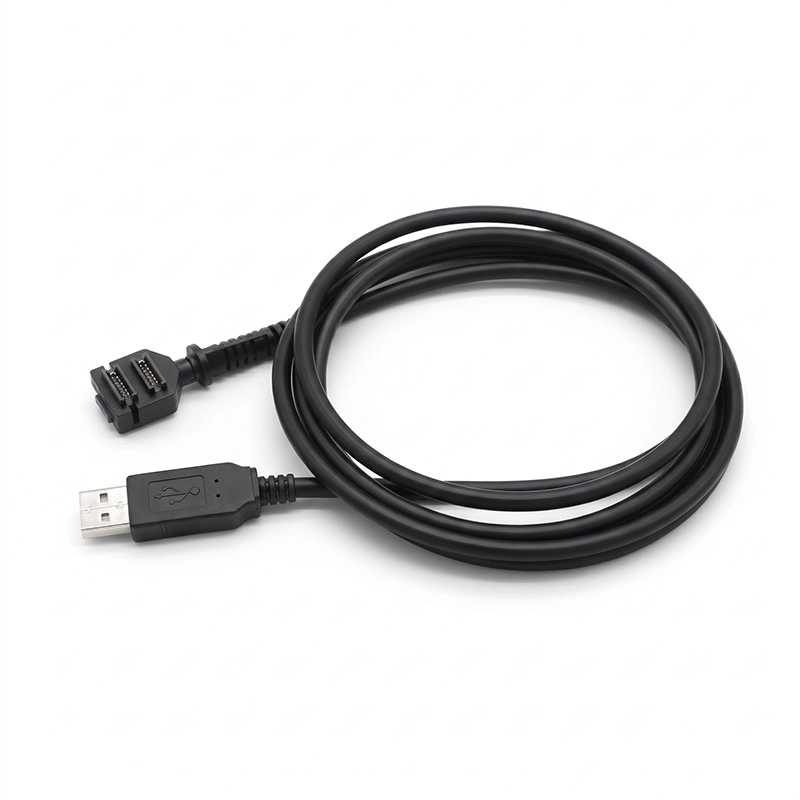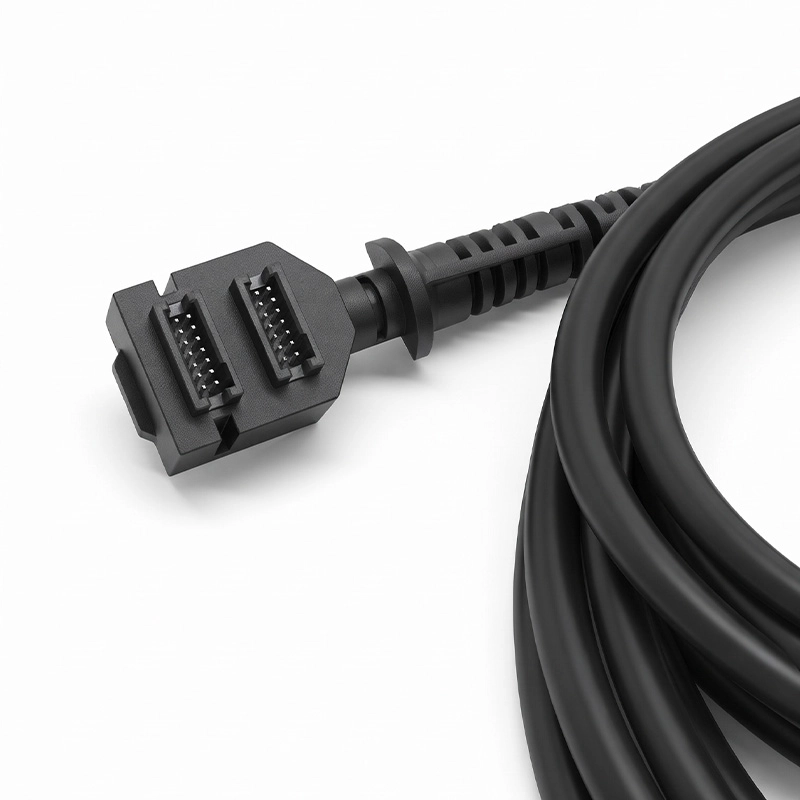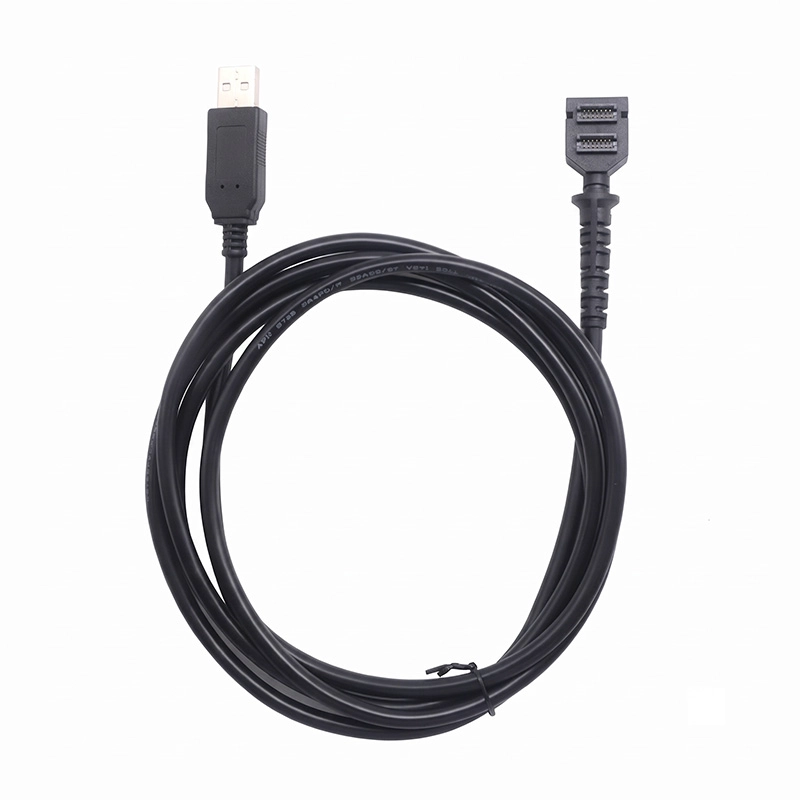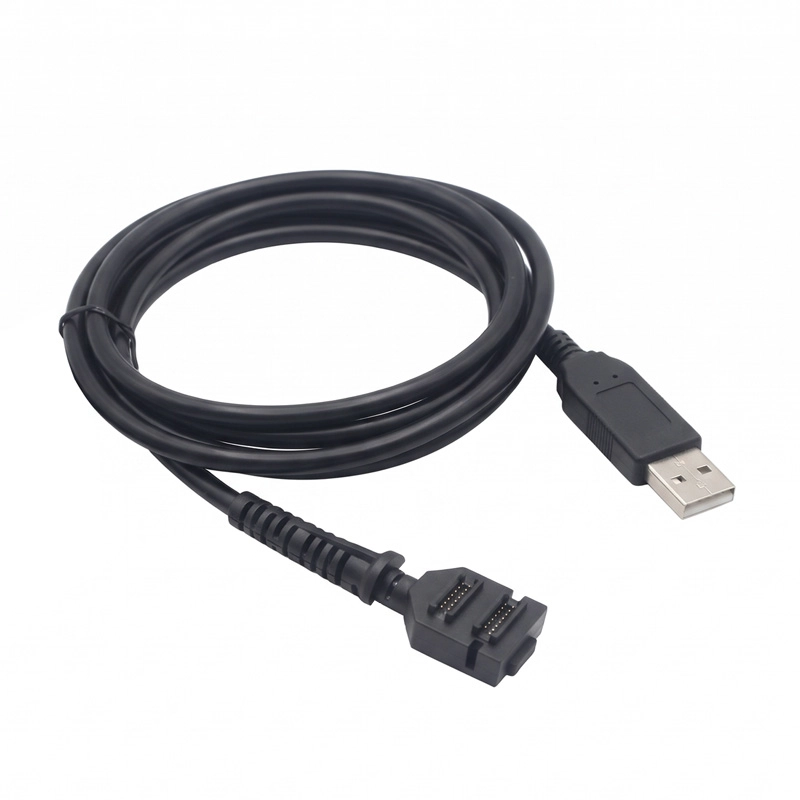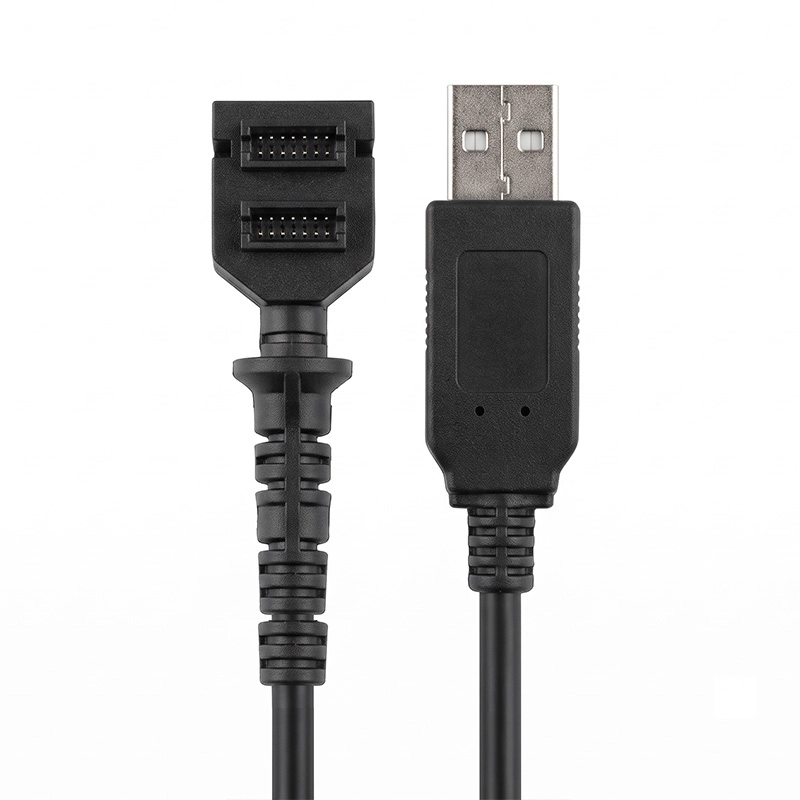


Two stacked 2 × 7 headers share one molded device head and one black cable to the USB-A plug.
This black 1 m cable brings two 14-position headers into a single device-side housing. It suits an OEM peripheral with two mating connectors at a fixed spacing. Both blocks engage as one assembly; their pin assignments are defined separately.
Two headers plug into the equipment as one unit. Both 14-position blocks sit in the same molded head, so the installer handles one connector and one cable exit. A black 1 m lead runs from that head to a USB-A male plug.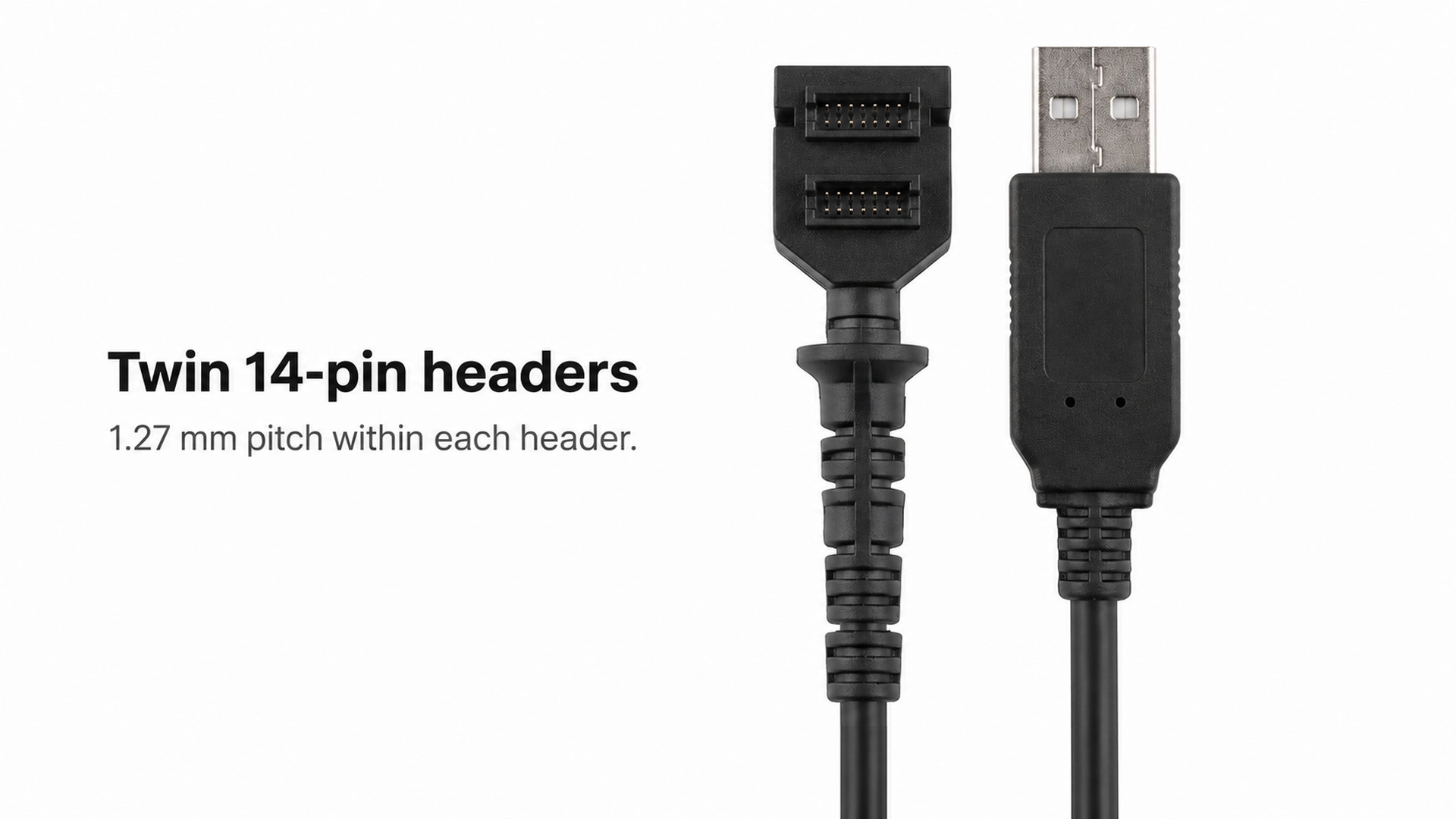
The angled view also shows the ribbed exit behind the head. On a recessed port, the space for that exit and its first bend can matter as much as the connector face. Goochain covers those choices in its equipment cable design guide.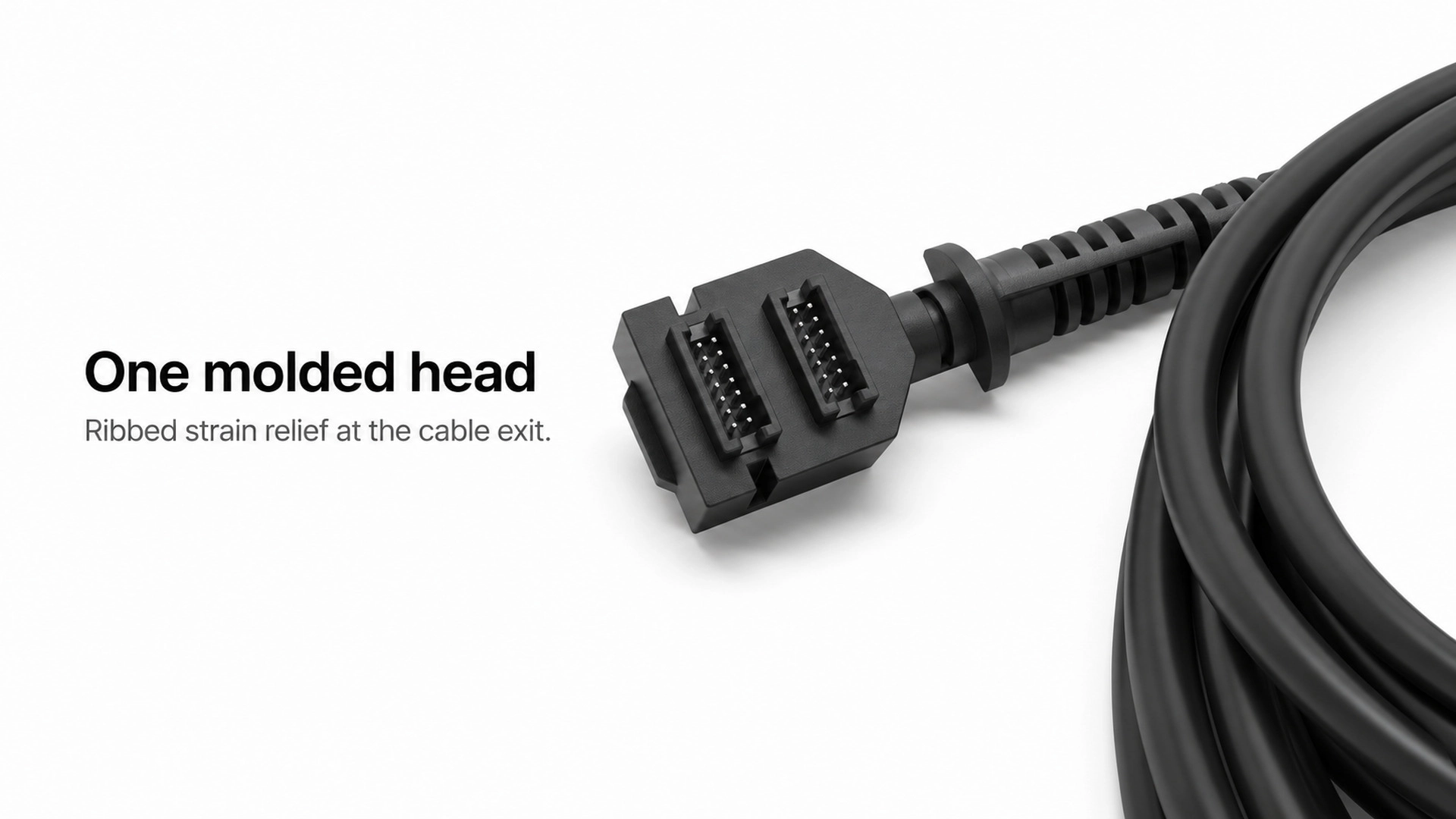
Similar-looking replacement leads can connect a device contact to different USB-A pins. Goochain can work from your original lead and mating drawing to prepare separate upper- and lower-block pin maps, then build a prototype against them. Your team can approve the fit and electrical connections on the equipment before a batch is made.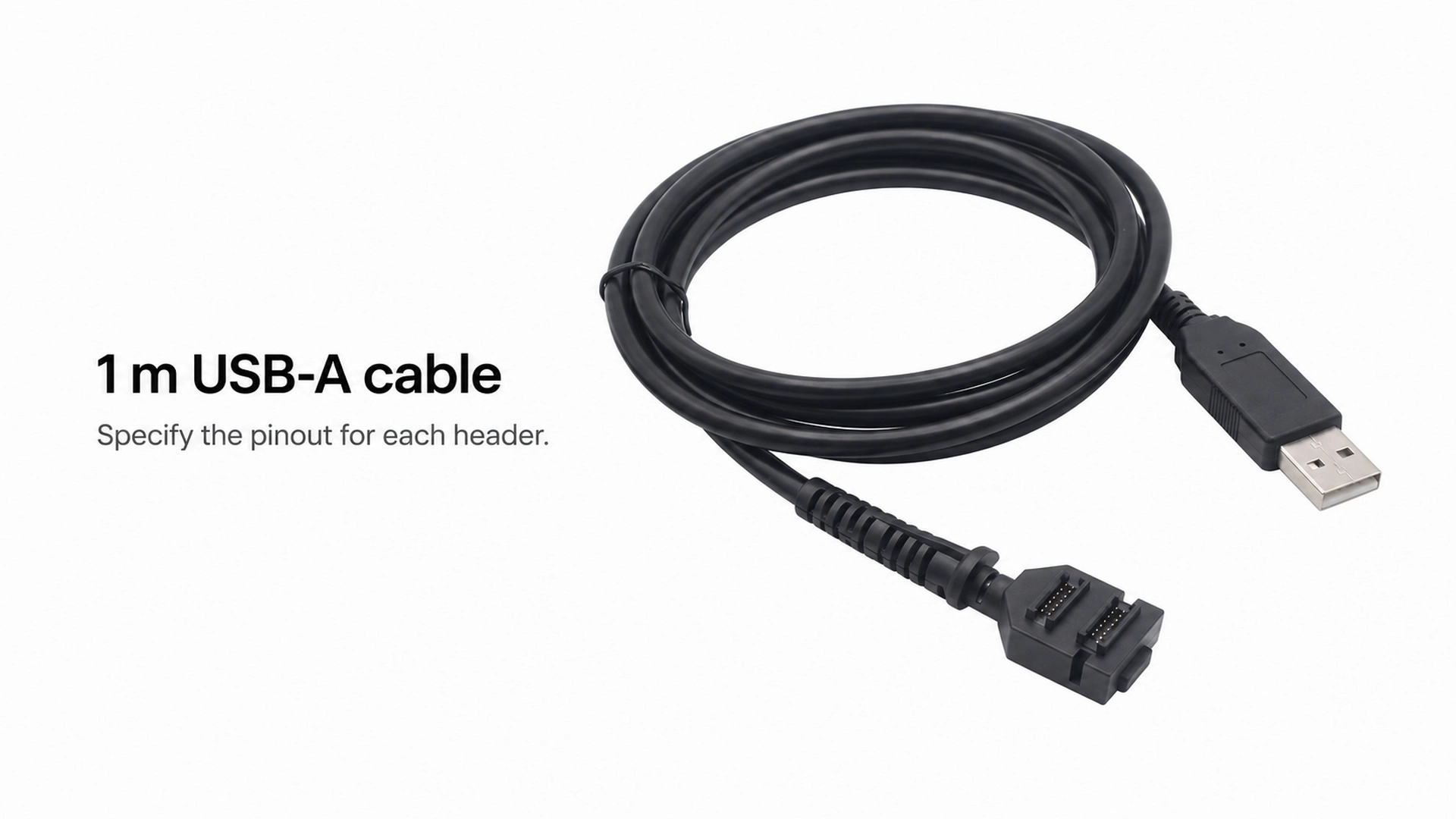
For a custom build, start with one straight-on photo of the installed connector and the original wire map. If you are ordering by a terminal service part number, the model-specific POS USB service cable gives you a separate reference to compare.
Keep required fields minimal. Attach drawings/photos for accurate quoting.
Tip: A simple installation photo often saves 2–3 rounds of questions.
Quotation 1–2 days; development 15–20 days; mass production 20–25 days (project dependent).
Yes. Reference sample + requirements helps confirm drawings and test plan.
Depends on materials and complexity. We support prototypes and scalable mass production.


 English
 简体中文
 Deutsche
 Italian
 français
 Español
 Nederlands
 日本語
 한국어
 عربى
 português
 Türk