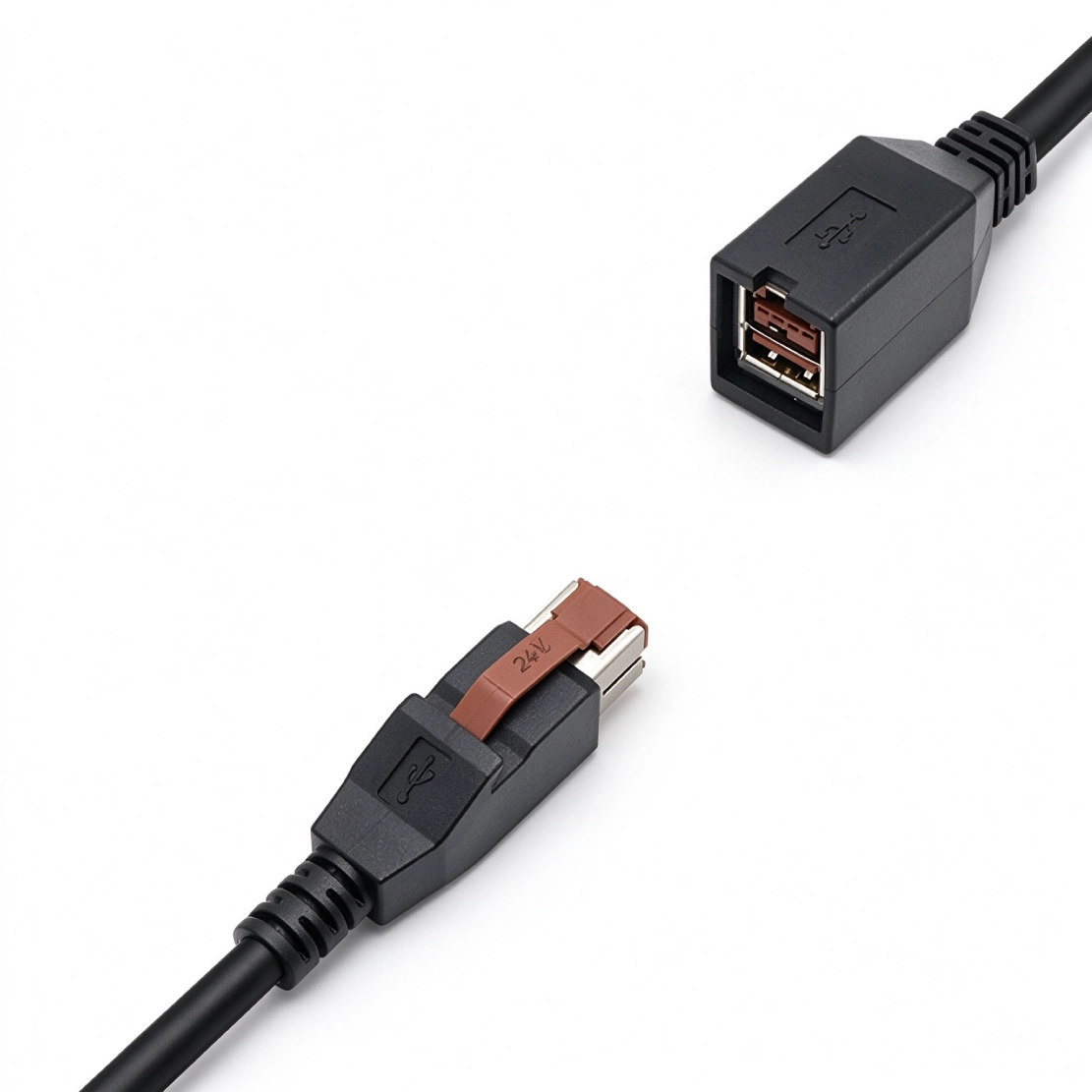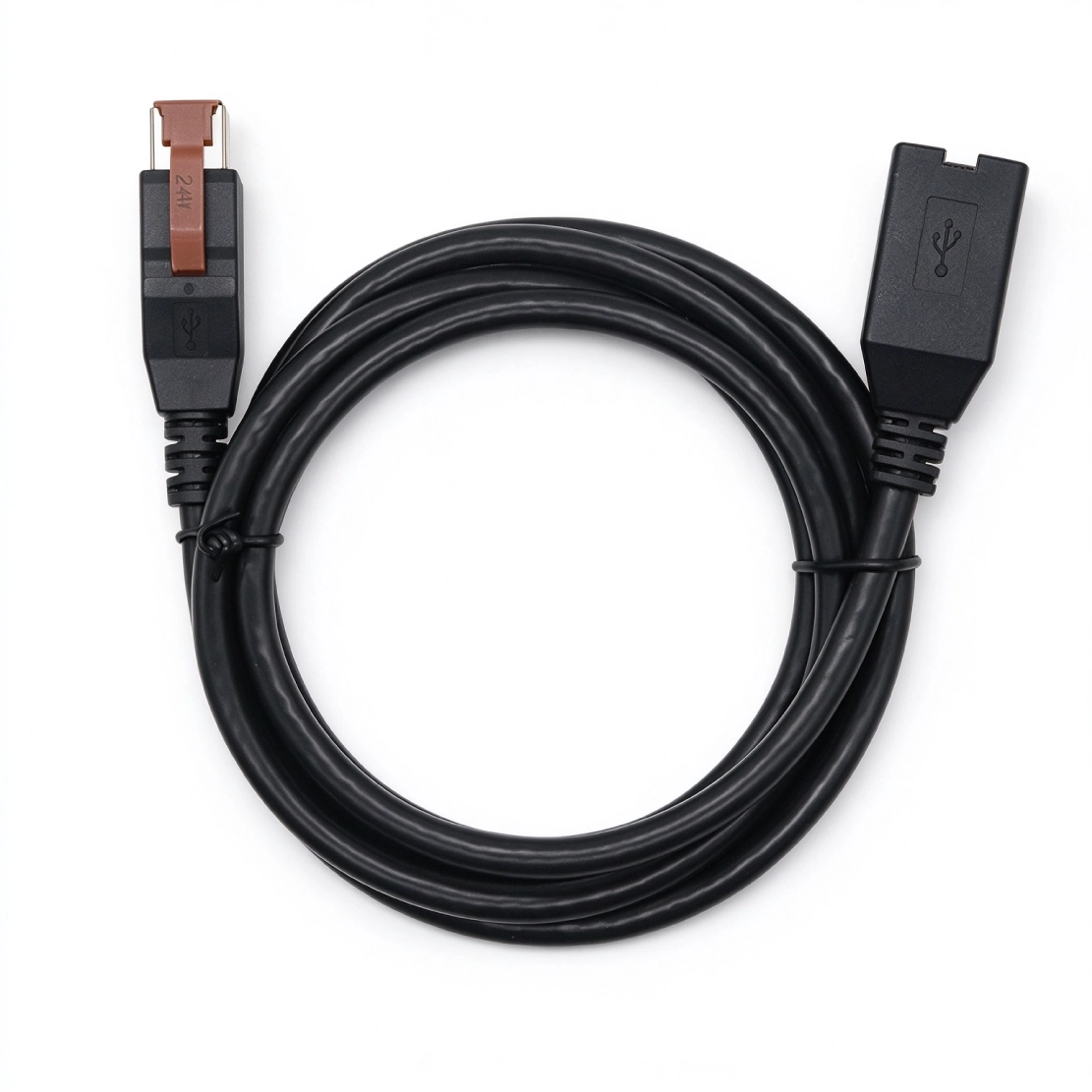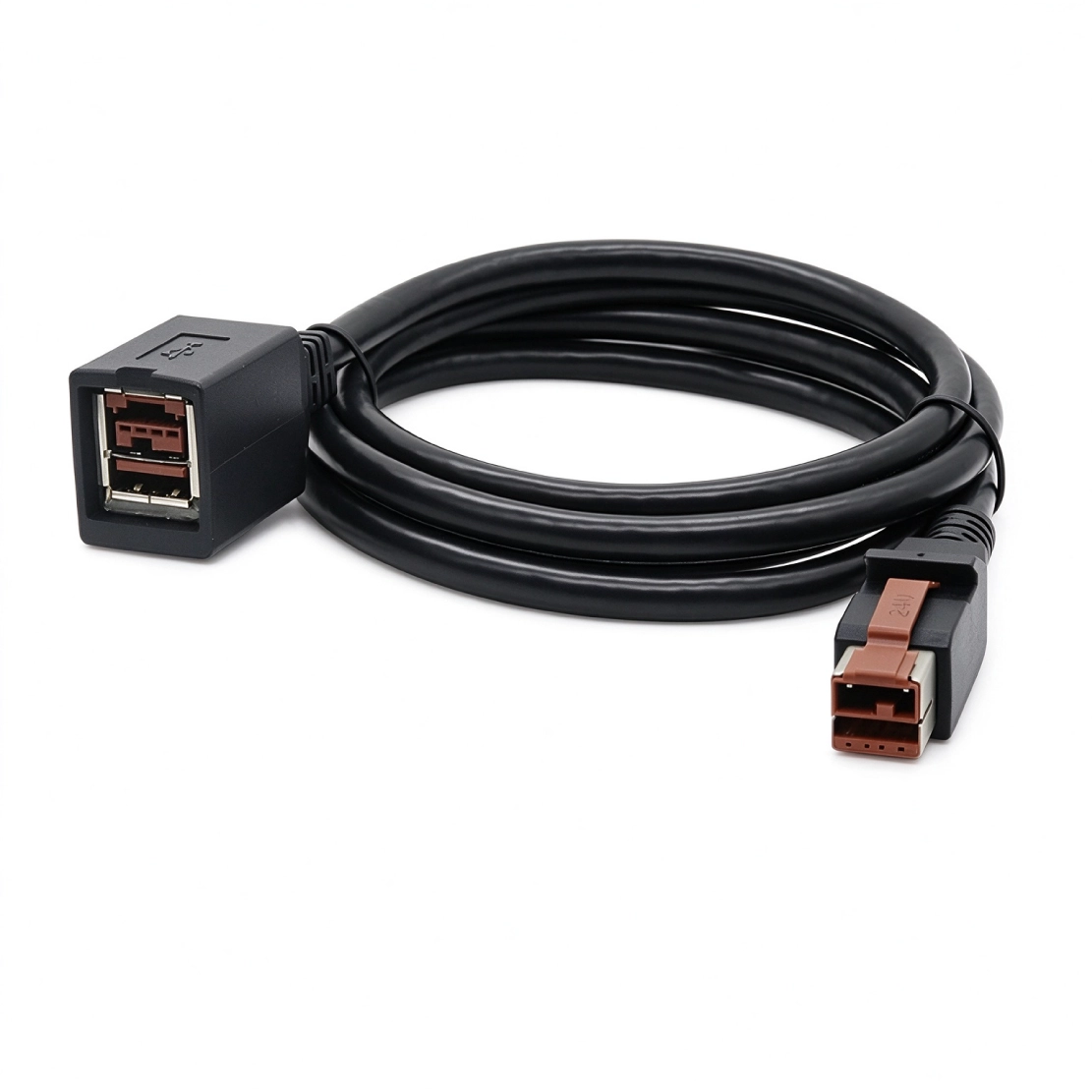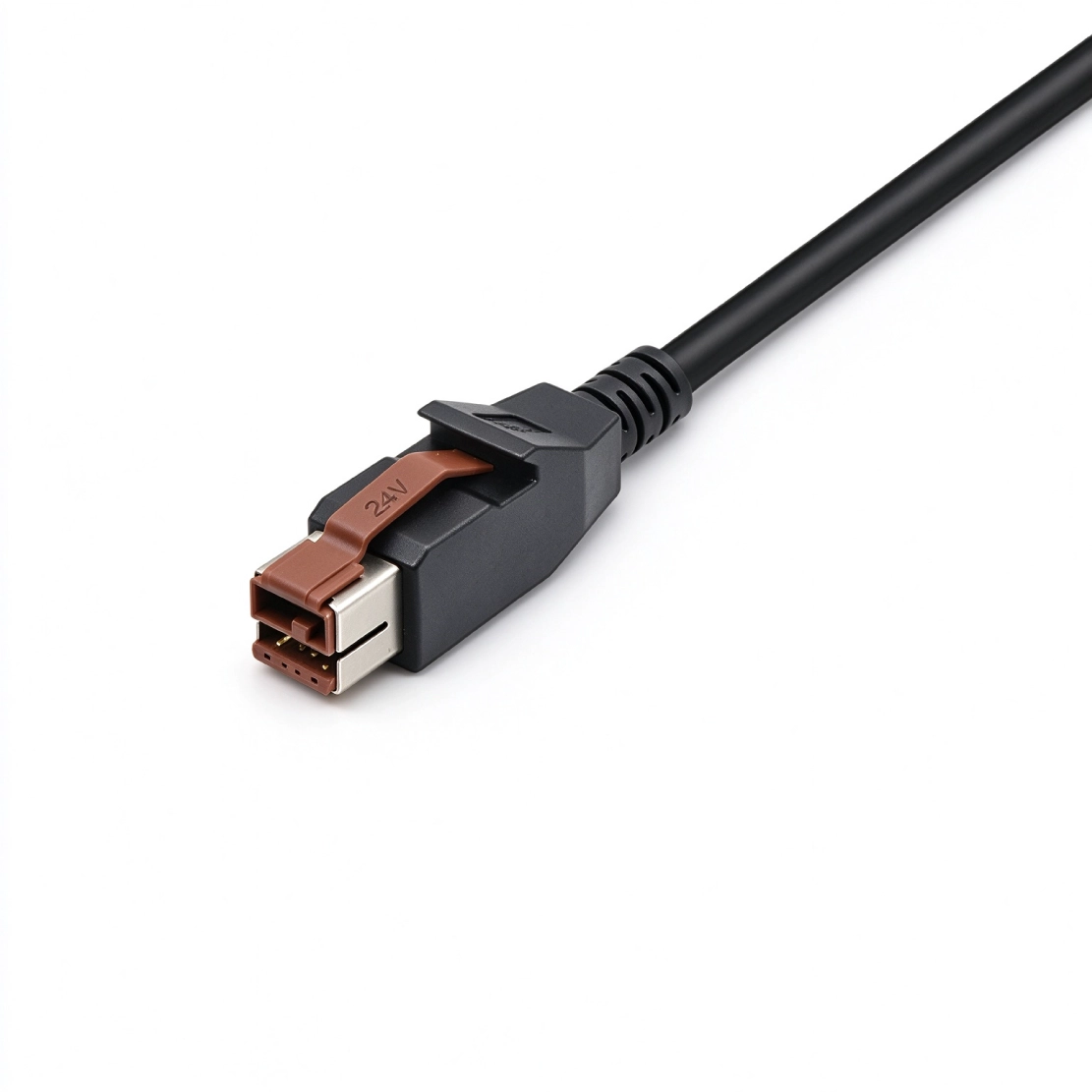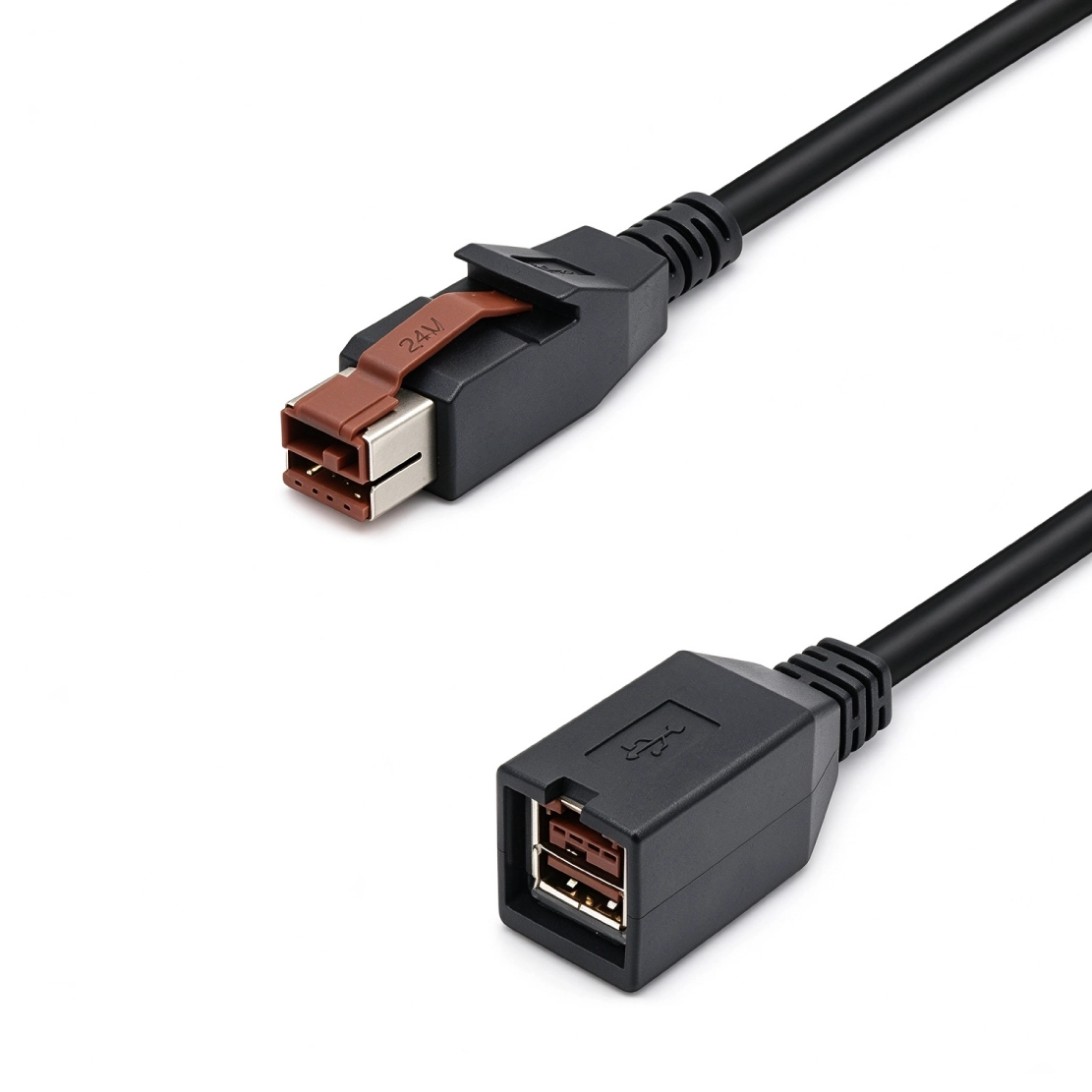


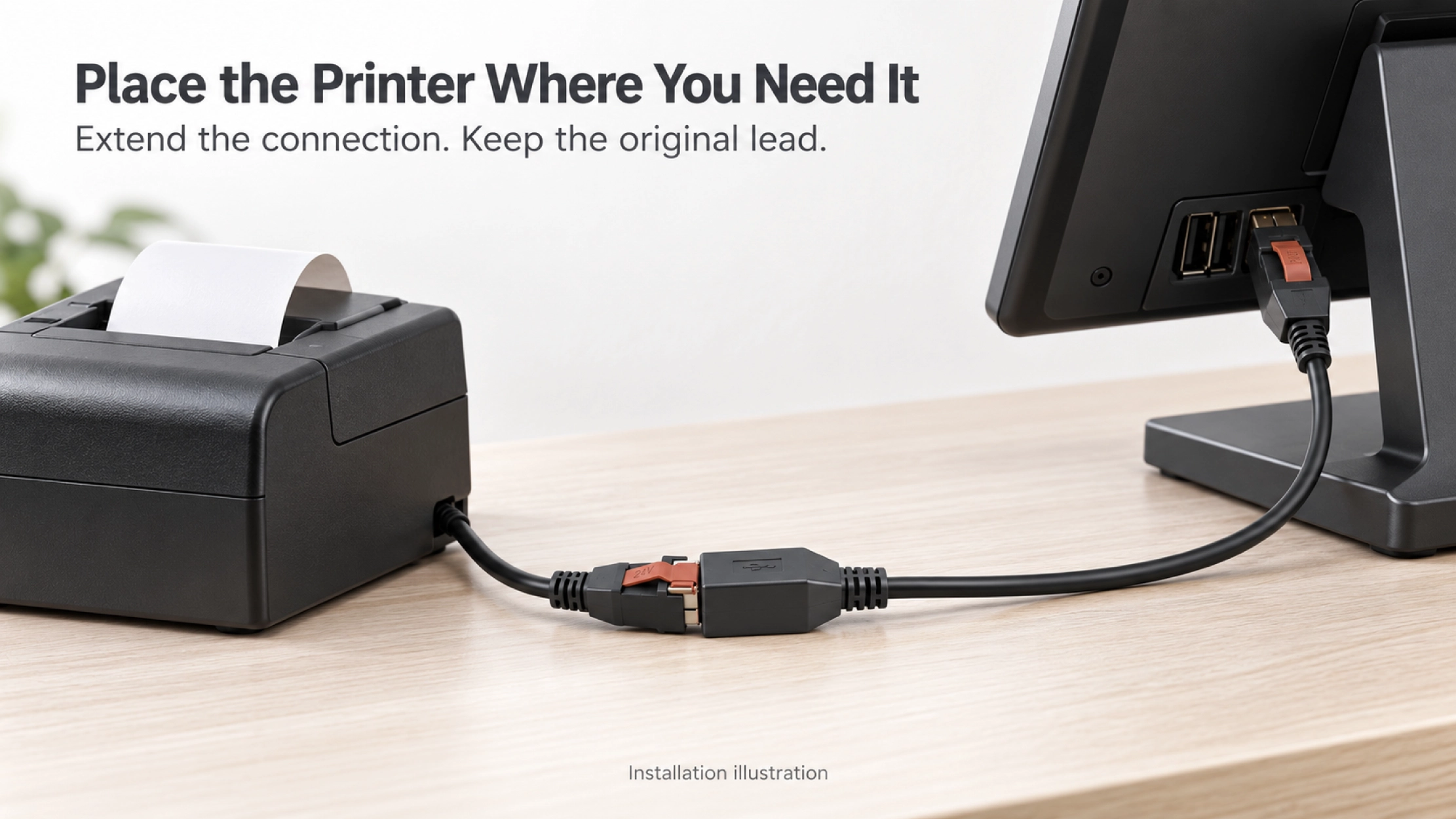
Keep the printer at the point of use while extending its existing 24V POWEREDUSB connection back to the POS terminal.
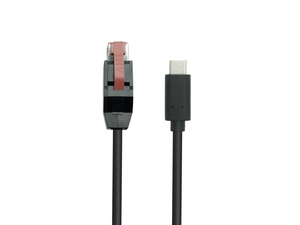
A checkout layout can put the printer on one side of the counter and the host terminal on the other. This 24V POWEREDUSB male-to-female extension adds the missing reach while keeping the existing peripheral cable in use. Its role is to continue the defined power and USB path, not to change the voltage or adapt the printer-side connector. Goochain builds each extension around the total installed length and the peripheral load, with conductor construction, shielding and molded exits selected for the application.
The receipt printer belongs where staff can collect the receipt and replace the paper easily. That position may be farther from the POS terminal than the original cable allows. Goochain manufactures 24V POWEREDUSB male-to-female extension cables to bridge that distance while retaining the printer’s existing, compatible peripheral lead.
A matching 24V male plug connects at the host, and the female socket receives the original cable’s 24V POWEREDUSB plug. The extension passes through the specified auxiliary supply and, for data-enabled builds, the defined USB connection. It does not convert voltage or change the printer-side interface.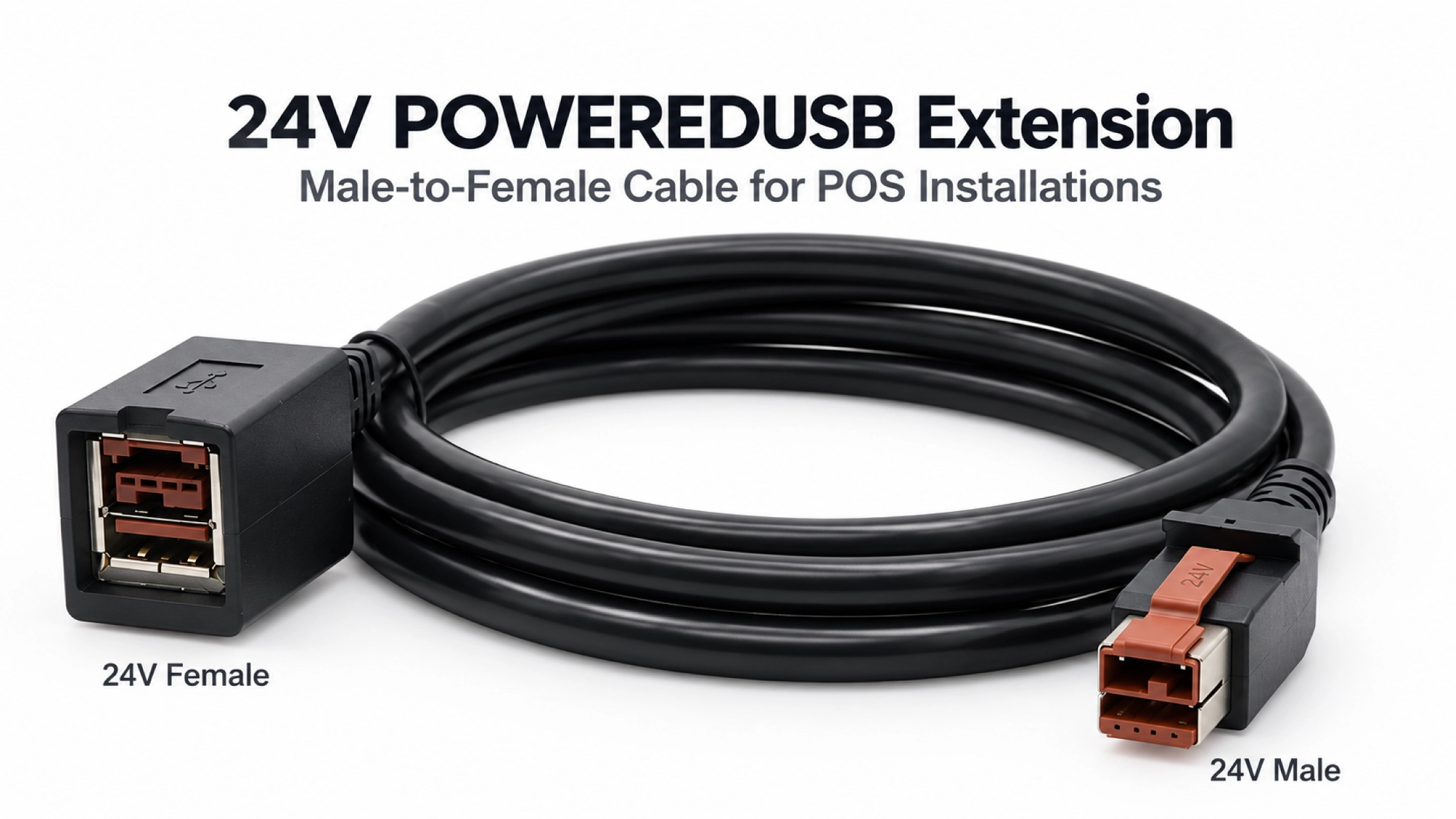
A printer’s current demand can change between standby, startup and printing. The cable review therefore starts with the device’s normal and peak requirements, together with the voltage it needs at its input. Checking a powered-on printer at idle alone does not cover every operating condition.
The original lead, added extension and mated contacts all form part of the power path. Goochain reviews conductor size against that combined length and load, then defines the sample checks for the intended equipment. If the requested extension becomes longer, the cable construction is reviewed again rather than carried over automatically from a shorter version.
The black 6 ft version provides a starting configuration. Other lengths and constructions can be specified for OEM orders; the approved drawing defines the assembly supplied.
| Item | Reference Configuration |
|---|---|
| Mating interfaces | 24V-keyed POWEREDUSB male to matching 24V POWEREDUSB female |
| Cable length and color | 6 ft, black; custom lengths on request |
| Cable construction | 20AWG*6C+26AWG*1P+AL+B; OD 6.5 mm |
| Electrical arrangement | Passive extension following the approved pin map; no voltage conversion |
| Load and USB requirements | Confirmed for the complete assembly, connected device and total installed route |
For a data-enabled assembly, the sample evaluation covers both the device’s supply voltage under the agreed working conditions and its USB operation. A correct pin map is necessary, but neither continuity nor a successful power check replaces a functional check with the host and printer connected.
Use the intended peripheral lead during evaluation, including its full length. This gives the sample review the same cable route that will be installed at the counter. Power-only builds are specified separately, with wiring and identification that distinguish them from data-enabled versions.
Paper changes, cleaning and servicing can all move the printer from its normal position. Place the female junction where it can be supported and reached, and allow enough cable movement for the service task. Cable restraint should keep that movement from pulling directly on the host port or connector latch.
The molded exit and strain relief can be developed around the available clearance. If the female end needs to be fixed to an enclosure, its fastening method and mating-plug access are reviewed as a separate mounting configuration.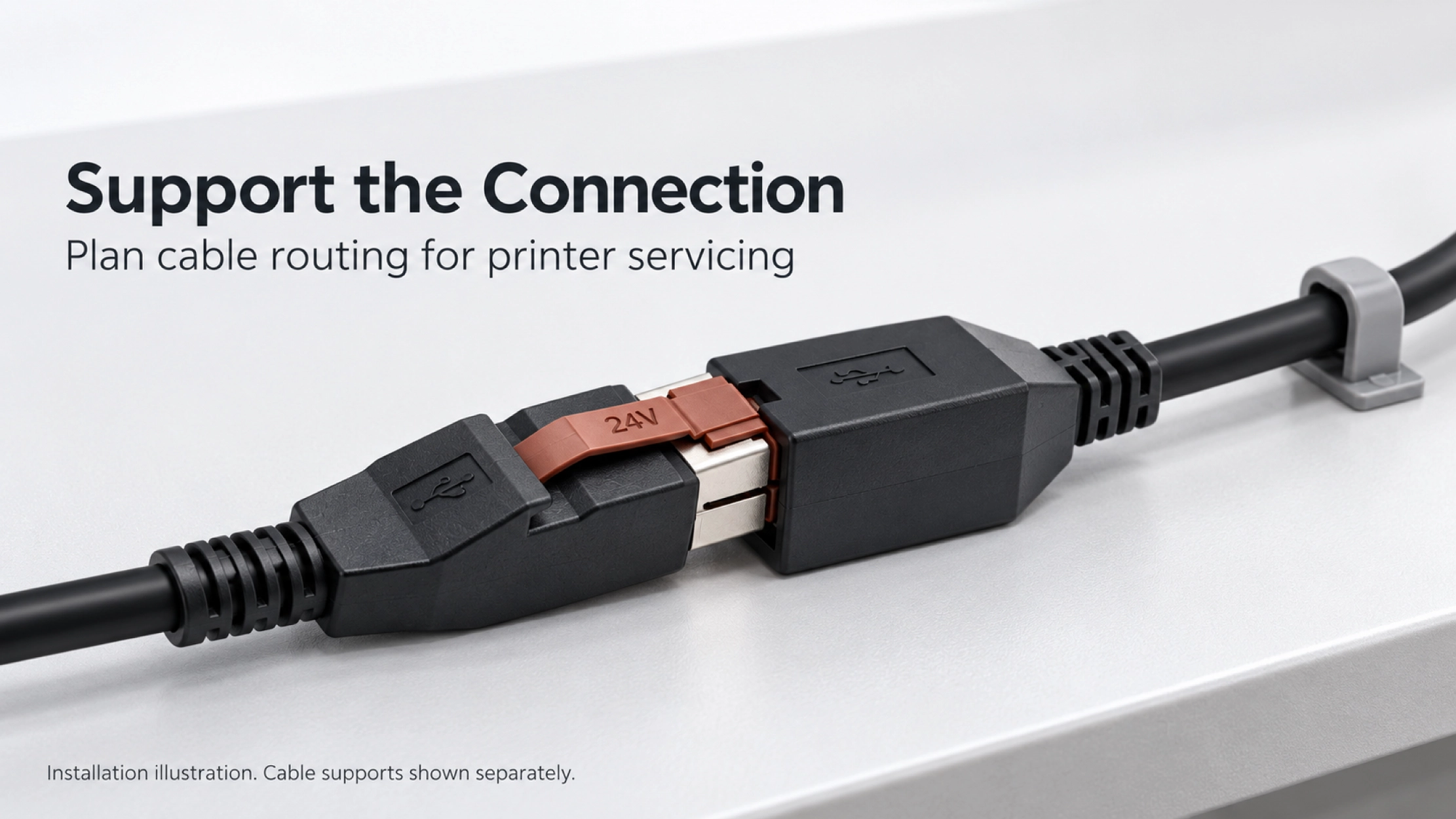
Goochain is a custom powered USB cable manufacturer with a 5,000 m² factory in Dongguan, China. OEM production follows the agreed drawing; ODM support covers cable construction, connector exits and installation-specific molded parts. Sample feedback is incorporated before the assembly specification is released for production.
The inspection requirements identify which wiring, assembly and functional checks apply to the order. Loaded-voltage and USB tests are included as agreed for the project. Further information about our manufacturing controls is available on the Factory & Quality page.
It extends a matching existing lead. It does not provide a USB-B plug or a separate printer power connector. If your project needs those device-side interfaces, select the corresponding assembly from our PoweredUSB Cable range.
No. The complete assembly needs a load rating suited to the peripheral, cable construction and contact interfaces. Provide the printer’s normal and peak current requirements when requesting a sample.
Use the voltage-keyed connectors and wiring specified for the equipment. This 24V extension does not adapt a 12V connection or convert its supply.
For a quotation: send the printer model, normal and peak load, original cable length, added reach and USB requirements. A sketch showing the host, female junction and printer position, together with your order quantity, helps us define the sample configuration.
Keep required fields minimal. Attach drawings/photos for accurate quoting.
Tip: A simple installation photo often saves 2–3 rounds of questions.

Quotation 1–2 days; development 15–20 days; mass production 20–25 days (project dependent).
Yes. Reference sample + requirements helps confirm drawings and test plan.
Depends on materials and complexity. We support prototypes and scalable mass production.


 English
 简体中文
简体中文  Deutsche
  Italian
  français
  Español
  Nederlands
  日本語
日本語  한국어
한국어  عربى
عربى  português
  Türk
Türk